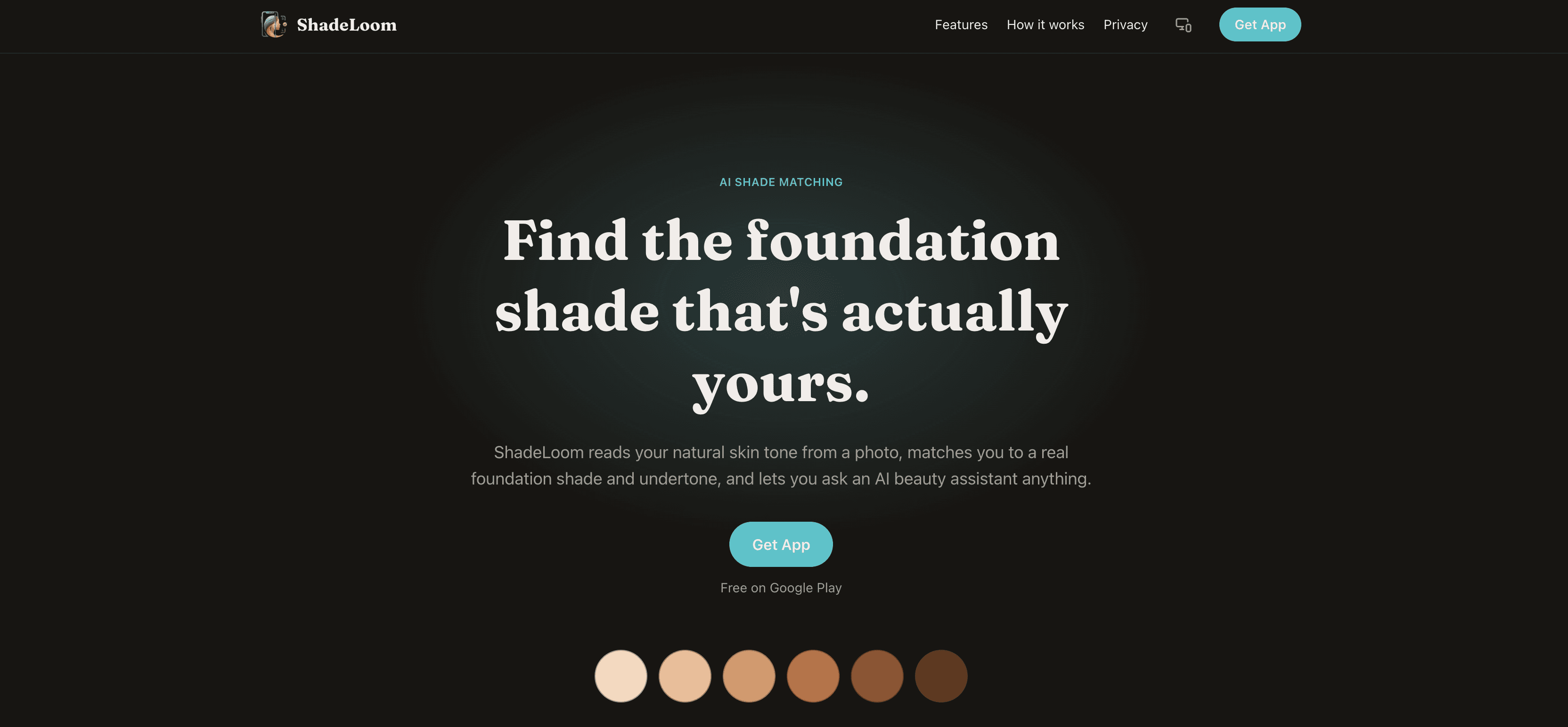
One photo, one shade
ShadeLoom turns a single front-camera photo into a foundation recommendation. It reads the skin tone out of the image, estimates the undertone, matches it to a shade in a first-party product catalog, then finds the closest equivalents across other real cosmetics brands. A built-in assistant answers follow-up questions with the scan result already in context, and a timeline tracks how a person's undertone reading trends across repeat scans.
It ships as two independent codebases — no monorepo, no shared code: a React Native client built with Expo and Expo Router, and a Next.js backend that also serves the marketing site and an internal admin panel.
Why it exists
Foundation shopping is guesswork
A single foundation line can carry forty-plus shades. The difference between two neighbours is a few degrees of warmth, and the label language — neutral, golden, cool beige — doesn't map cleanly to what a person sees in the mirror. Swatching in-store is unreliable under retail lighting; online it's impossible.
Most shade finders lean on a quiz. ShadeLoom's premise is that the camera already has the answer — if the pixels are sampled carefully and matched in a perceptually uniform color space.
What we built
Three surfaces
The product is one system with three faces, each with a job it does well and a clean boundary to the others.
SurfaceBuilt withDoes Mobile appExpo SDK 54, Expo Router, React NativeScan, review, results, cross-brand matches, virtual try-on, assistant, timeline, account Backend APINext.js 16 App Router, MongoDB / Mongoose 9Auth, the scan job pipeline, AI orchestration, shade math, Cloudinary + email Admin & marketing webNext.js, Tailwind CSS v4Landing page, privacy policy, public account-deletion form, deletion-request review panel
The mobile app runs in Expo Go rather than a custom dev client — a deliberate constraint that keeps builds reproducible and the iteration loop fast, at the cost of ruling out any dependency with custom native code.
How a scan works
Camera to shade, step by step
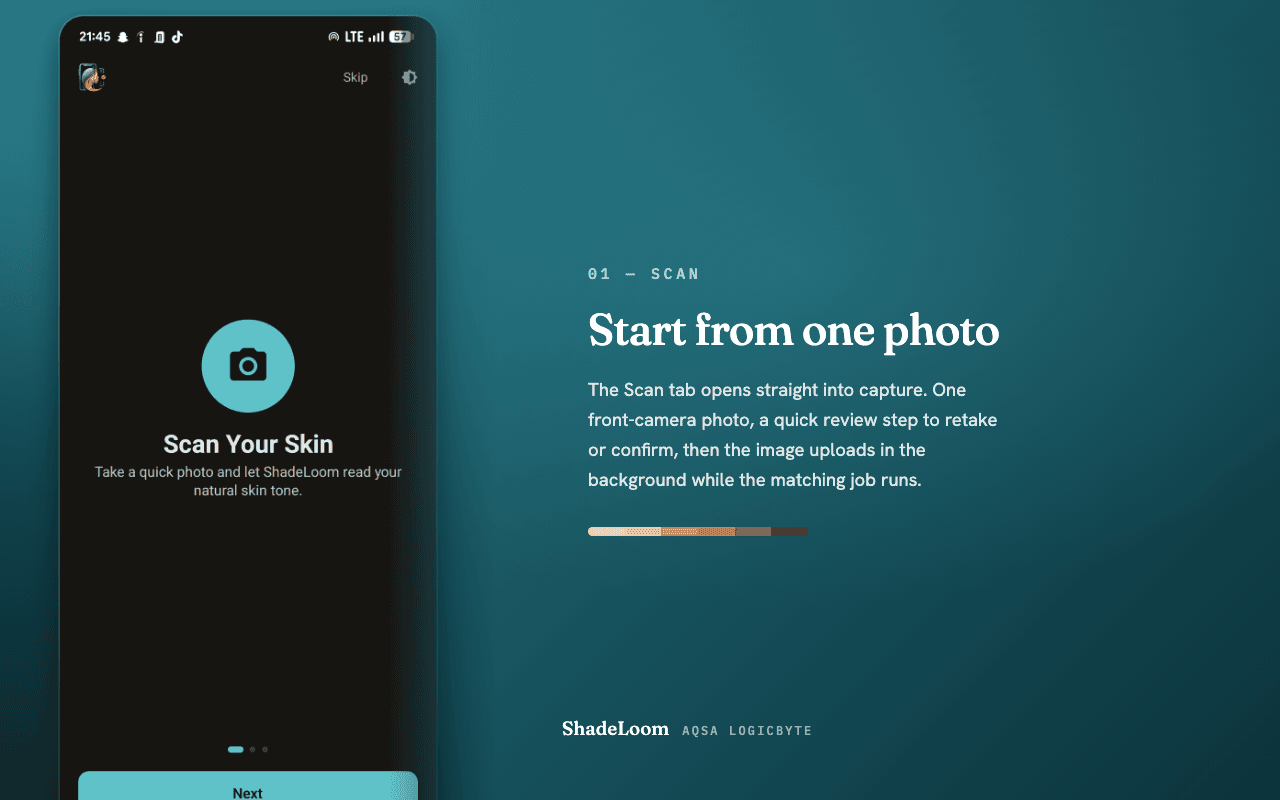
The client requests a short-lived signed Cloudinary upload and sends the photo straight to storage — the API secret never touches the device.
It POSTs the resulting URL to the scan endpoint as JSON, which enqueues a job and returns an id.
The client polls the job until it resolves. Server-side, BlazeFace (TensorFlow.js, wasm backend) locates the face — or the job fails with a
422the app surfaces as "Face not detected".sharpsamples an average color over a central cheek-and-nose rectangle of the detected face box.That color is converted sRGB → linear → XYZ → CIE Lab and matched by ΔE76 distance against the first-party shade catalog, plus the three nearest shades across other brands' catalogs.
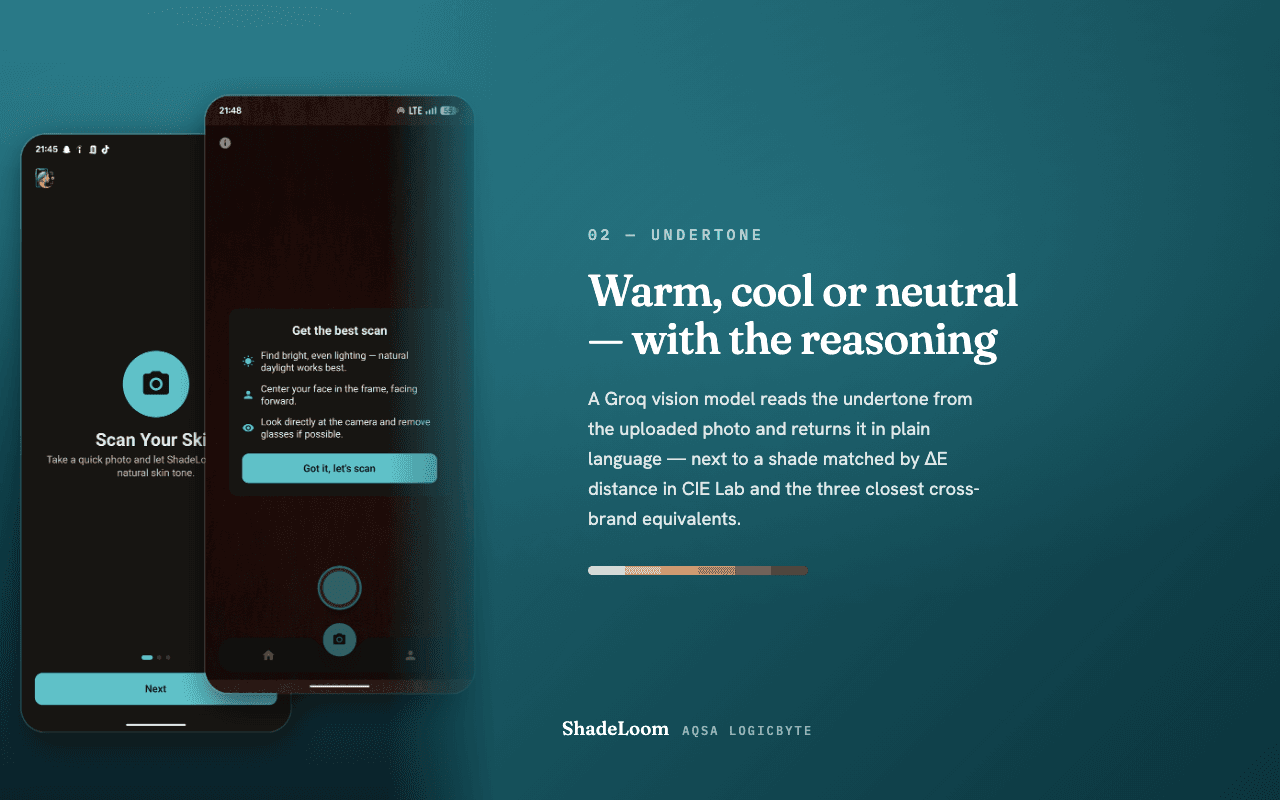
A Groq vision model returns an undertone assessment and a suggested shade name, with a coordinating lipstick / blush / eyeshadow set.
The result is written as a self-contained snapshot — shade, undertone, AI notes — so scan history never breaks when a catalog entry changes later.
AI is degrade-not-block throughout: if Groq is unavailable, the scan still returns its ΔE match with no suggestion. The one exception is the assistant chat, which returns a 502 rather than a hollow reply.
The design system
Warm Porcelain
The current look is the third full visual pass. It followed a neutral-and-teal system and a plum-and-coral one before landing on Warm Porcelain: a porcelain-cream canvas, a rose-clay accent (#9E5661), espresso-black pill buttons with a circular trailing-arrow badge, and a warm-aubergine dark mode rather than a flat near-black. It is light-first — an inversion of the app's original dark-first default — and sets display type in Fraunces, a high-contrast old-style serif.
The palette is defined once, as tokens, in the mobile codebase and ported to the web app as Tailwind v4 CSS-first @theme variables, so a color decision made for a screen shows up on the landing page with no second definition. Motion and depth on mobile come from a small, Expo-Go-safe set:
moti for declarative animation on Reanimated
@gorhom/bottom-sheet for sheets, expo-blur for frosted surfaces
react-native-skia was trialled and dropped — it doesn't run in Expo Go
Some of the harder parts
Engineering notes
Swiping past a live camera
The three tabs are Home, Scan, More — with the camera in the middle. A stock swipe-between-tabs pager rendered a half-height CameraView inside the pager on Android and made a horizontal drag over the preview ambiguous: tab gesture, or camera gesture? The pager was reverted. The shipped answer is an edge-swipe gesture on Home and More only, X-axis biased so vertical list scrolling still wins; Scan stays tap-only, and the animated tab indicator follows either way.
A cascade bug that hid every button label
Porting the theme to web surfaced a latent bug: a bare, unlayered a { color: inherit } in the global stylesheet. In Tailwind v4 every utility lives in @layer utilities, and an unlayered rule outranks every layered one regardless of specificity — so that one line silently overrode text-* utilities on all links. The old teal buttons happened to survive it; the porcelain palette turned the CTA labels invisible. The fix was one line: move the rule into @layer base.
One auth model, two clients
Access is a short-lived JWT. The refresh token is opaque, hashed at rest, and rotated on every use. The web app keeps both in httpOnly cookies; the mobile app uses an Authorization: Bearer header. Signup confirmation and password reset both run on a six-digit email OTP.
Screens
From the Play Store listing
The shipped build carries the outgoing neutral-and-teal system; Warm Porcelain lands in the next release. These are the store screenshots as they stand today.
ScanA single front-camera photo starts every reading.
UndertoneThe vision model returns a warm / cool / neutral read with reasoning.
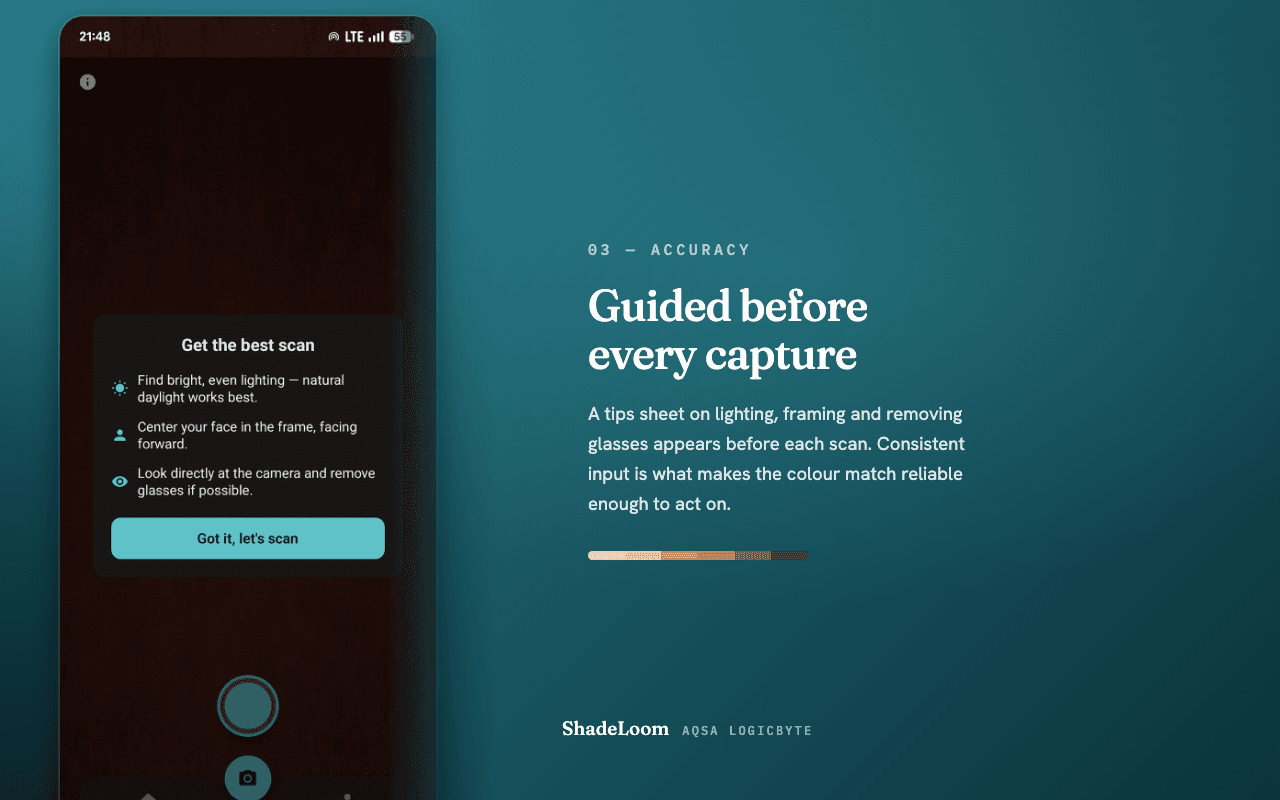
AccuracyA guided-tips sheet before every capture keeps input consistent.
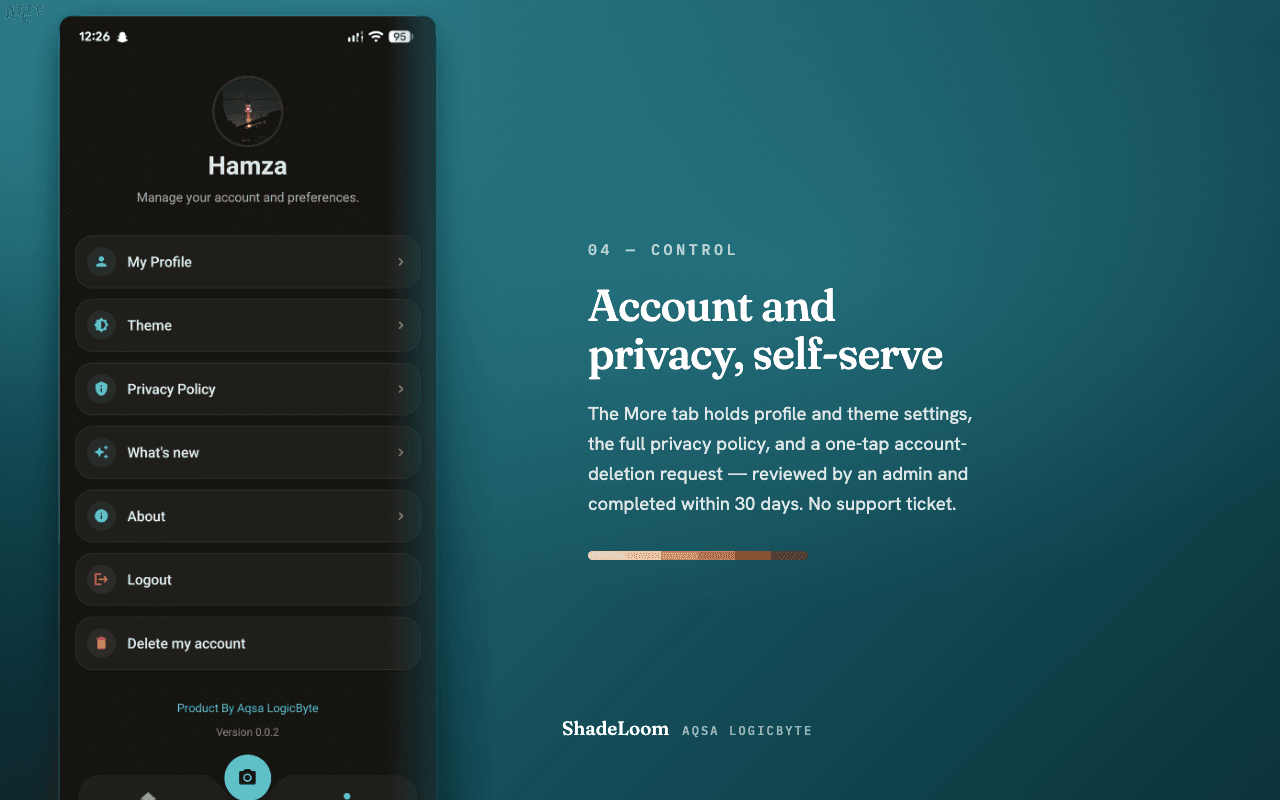
ControlProfile, theme, privacy policy and self-service account deletion.
Status
Where it stands
ShadeLoom is on Google Play in closed testing — first build 2 September 2026, currently v0.0.2 (versionCode 2). The scan pipeline, cross-brand matching, virtual try-on, the assistant, the undertone timeline, full email/password auth, and self-service account deletion are all in the shipped build.
There is no automated test suite. Every change is verified against a fixed trio: a type-check, a lint pass, and a real platform bundle — expo export for Android on mobile, next build for web.
Colophon
Stack at a glance
LayerChoice MobileExpo SDK 54, Expo Router, React Native, Reanimated, moti, @gorhom/bottom-sheet Web / APINext.js 16 (App Router), React 19, TypeScript DataMongoDB, Mongoose 9 AIGroq — qwen3 vision for undertone, gpt-oss for text VisionTensorFlow.js + BlazeFace (wasm), sharp for pixel work Media & mailCloudinary, nodemailer over SMTP TypeFraunces (display), platform system sans (text) AuthJWT access + rotating hashed refresh, bcrypt, email OTP
ShadeLoom is a product of Case study prepared September 2026.